Why a $30 control pad can drop your win rate by 2 %
You’ll learn how pad texture, hardness, and friction directly shape sensor data and flick accuracy. Most reviews gloss over the physics, leading players to buy the flashiest surface instead of the most effective.
Where to buy this gear
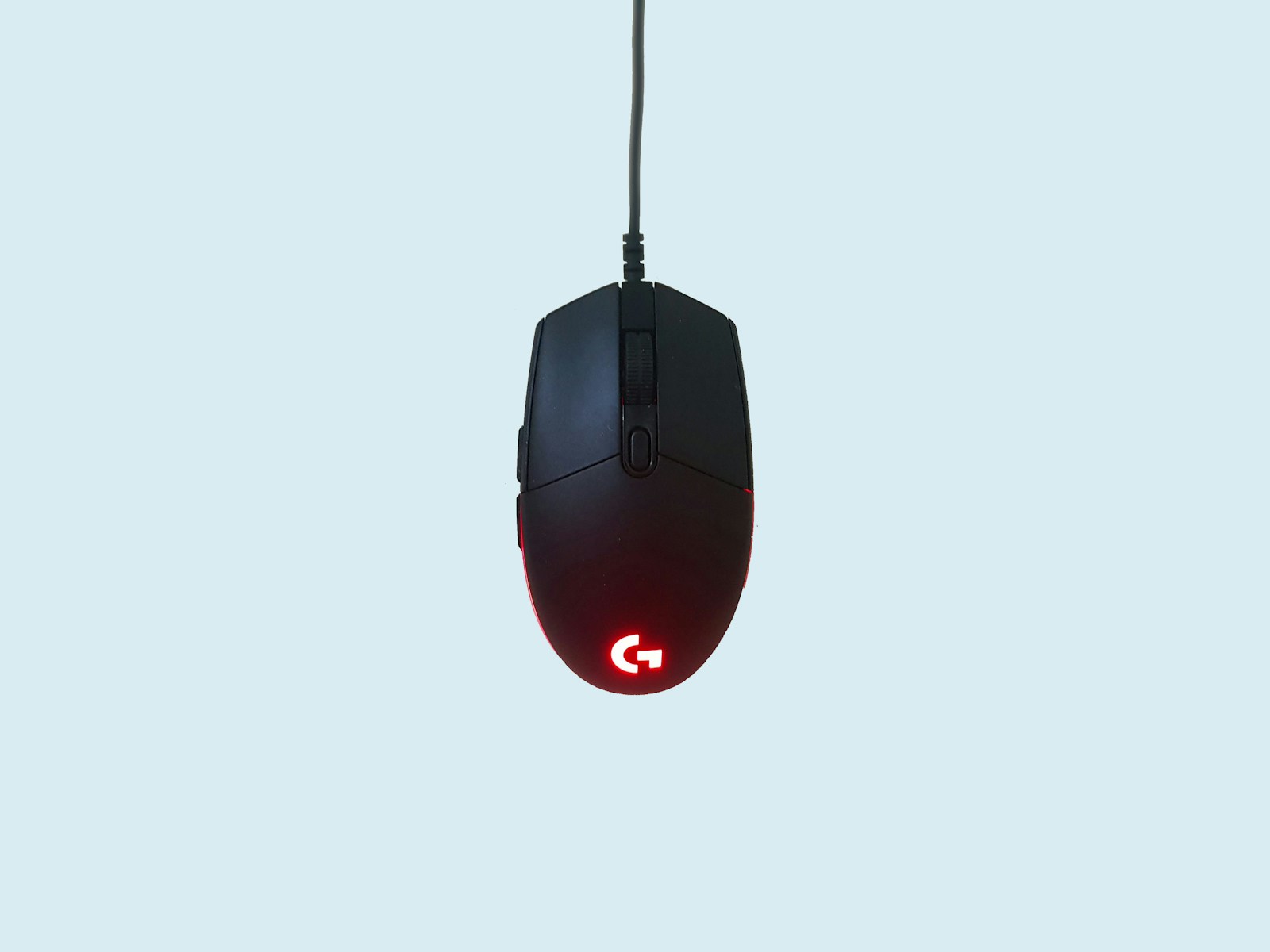
Every extra dollar you splurge on a mousepad is a silent wager on your ladder position, because the friction curve of the surface can either shave a few milliseconds off each micro‑adjustment or inject a jitter that flips a win into a loss. The temptation to chase the flashiest RGB sheet is strong, yet a single mis‑track during a clutch can drop you several tiers in a single session. Understanding how material, weave and hardness translate into sensor data is the only way to turn that gamble into a calculated investment.
Does surface texture really affect sensor tracking?
Optical and laser engines decode changes in reflected photons, so any microscopic bump becomes a data point the processor must interpret. When the pad presents a consistent pattern, the sensor can lock onto a stable frequency and output smooth cursor motion.
A tightly woven, matte cloth offers a uniform lattice that the pixel array can resolve without ambiguity, while a high‑gloss polymer reflects light in specular bursts that confuse the algorithm. Those bursts appear as momentary spikes in the sensor’s output, especially at low scanning speeds.
If the pad’s grit size falls beneath the sensor’s minimum feature resolution, the chip resorts to interpolation, which manifests as micro‑stutter during slow sweeps. Players often mistake that jitter for hand tremor, but the culprit is literally the surface.
Can a control‑heavy pad boost consistency at the cost of speed?
Control‑oriented pads deliberately limit glide by using densely packed microfiber that clings to the mouse’s base, preventing unintended slides. The resulting bite locks the sensor’s origin point, granting you repeatable pull‑back distances for each 360° turn.
Because the mouse returns to the same starting spot every time, you can program a 30 cm sweep that lands exactly at the desired yaw angle, which translates into tighter ADS circles in competitive titles. Consistency at this level often outweighs raw speed for players who rely on precise tracking over rapid flicks.
The downside emerges when you need to explode a headshot; the same resistance dampens acceleration, adding a few centimeters of travel per millisecond. In practice that delay can be the difference between a clean kill and a missed shot in high‑tempo engagements.
What about the myth that “glide” pads make flicks faster?
Glide pads are usually crafted from a polished polymer or a hard‑coated surface that lets the sensor skim across with minimal drag. In theory this reduces the time required to reach peak velocity during a rapid movement.
However, most FPS engines cap effective acceleration well before the mouse can fully exploit that reduced drag, making lift‑off distance the true limiting factor. A low lift‑off setting means the sensor stops counting as soon as the mouse leaves the pad, regardless of how slick the surface feels.
Players who switch to an ultra‑slick sheet often describe the cursor as “floaty,” which leads to overshooting the crosshair during quick turns. The extra glide can therefore hurt precision more than it helps speed.
How does pad hardness interact with DPI and lift‑off distance?
A hard pad provides a rock‑solid plane, allowing high DPI settings to translate into finer on‑screen increments because the sensor can count each micro‑movement without wobble. The rigidity ensures that the laser beam remains parallel to the surface across the entire sweep.
Pairing that rigidity with a low lift‑off distance can backfire; the moment the mouse leaves the pad, the sensor may still register residual motion, causing the crosshair to drift during crouch‑jump combos. This subtle drift is enough to miss a headshot at long range.
Conversely, a softer pad acts like a shock absorber, dampening lift‑off jitter but blurring those sub‑degree steps you need for sniper precision. The trade‑off is a smoother feel at the cost of losing that razor‑sharp 0.1° granularity.
Practical steps: testing, budgeting, and swapping pads
Begin with a budget‑friendly cloth pad—most online listings price a 100 × 250 mm sheet for under ten bucks—and run a simple benchmark: record the time it takes to execute a 180° turn across three consecutive matches, then calculate the standard deviation. If the variance exceeds five milliseconds, the pad is likely introducing irregular friction. Note the absolute turn time as well, because a faster baseline can mask consistency issues. This initial data point gives you a baseline without committing to any premium surface.
Upgrade to a mid‑range control pad; these typically sit between twenty and forty‑five dollars and feature a tighter microfiber weave. Repeat the same 180° test; you should notice the deviation shrink while the absolute turn time climbs by two to four milliseconds, indicating increased consistency but slightly slower acceleration. The added resistance will feel like a subtle tug on the mouse, which many competitive players cite as a confidence booster during repetitive angle rotations.
If the numbers align with a playstyle that values precision over raw speed, consider a premium glide surface. Prices for hardened‑polymer tops range from thirty‑five to eighty dollars, and many manufacturers tout sub‑micron flatness that promises uniform glide. Before buying, verify that the pad’s dimensions fit your desk real‑estate—oversized sheets can force a cramped wrist angle, while undersized ones may cause you to constantly reposition the mouse. Most reputable sellers honor a fourteen‑ to thirty‑day return window, so retain the original packaging and photograph the underside in case the adhesive starts to peel.
Final checklist before you click purchase
First, confirm that the warranty explicitly covers delamination; a peeled edge will alter the friction profile mid‑season and render your data inconsistent. Second, compare the manufacturer’s claimed thickness with community measurements; a two‑millimeter pad feels dramatically different from a four‑millimeter one in terms of wrist lift. Third, ensure the listed dimensions coexist with your existing mouse bungee or cable management rig; a mismatch can force you to rearrange your setup and introduce new ergonomic strain. Finally, skim recent forum threads for batch‑specific complaints—some factories ship pads with uneven dye that subtly changes surface roughness.
Where to buy this gear
Keep tuning your setup
Why a $200 wireless mouse can still lag you in tournaments
You’ll learn which hidden factors make wireless mice unpredictable in elite play and how to isolate them. Most guides skim the real‑world test data and over‑promise on “zero lag” claims.
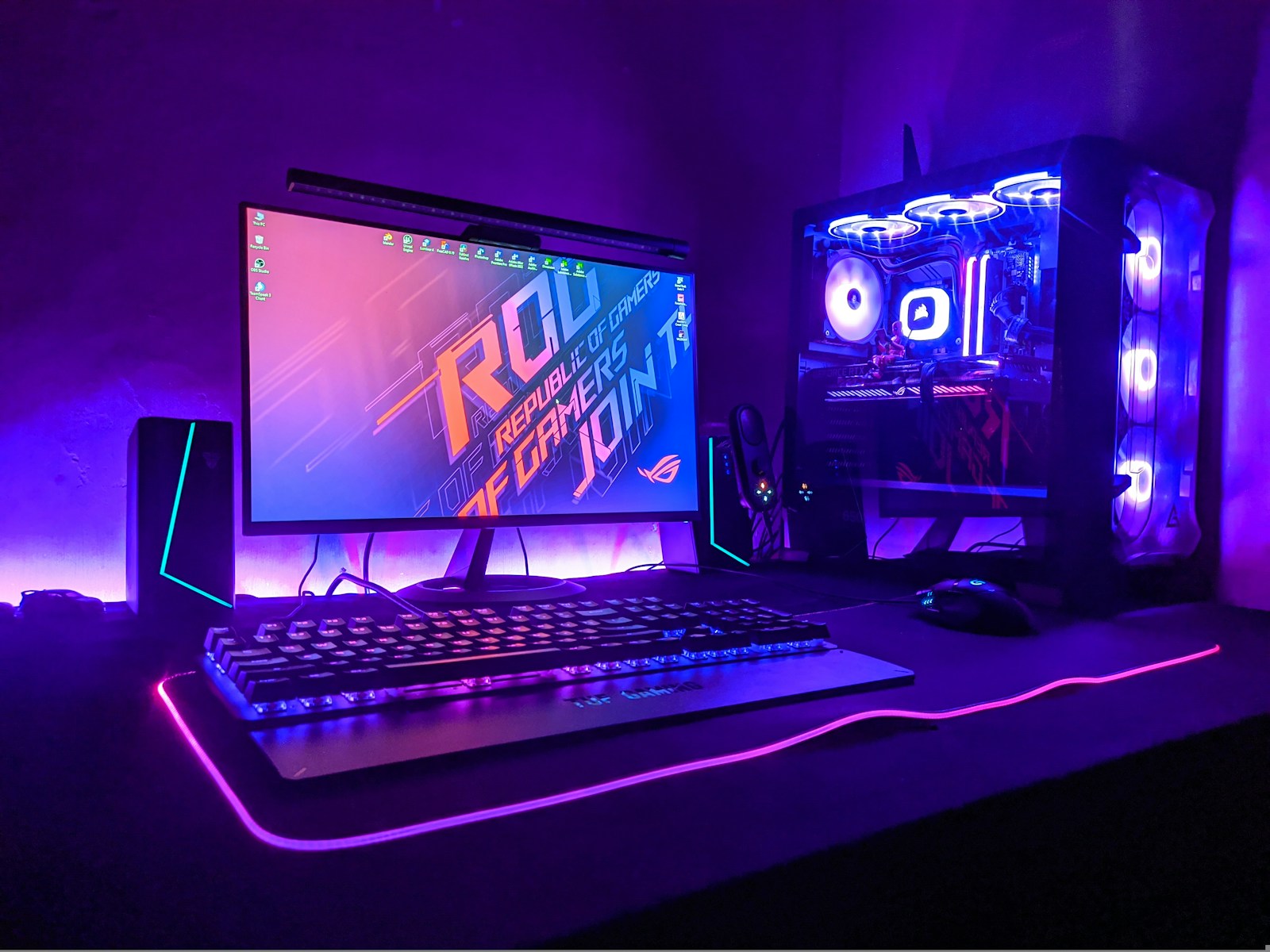
Why $0‑$30 Sensors Already Smash 1,000 DPI Benchmarks
You’ll learn why any modern optical or laser sensor hits the performance you need for competitive play. Most guides over‑sell exotic specs while ignoring real‑world latency and tracking consistency.
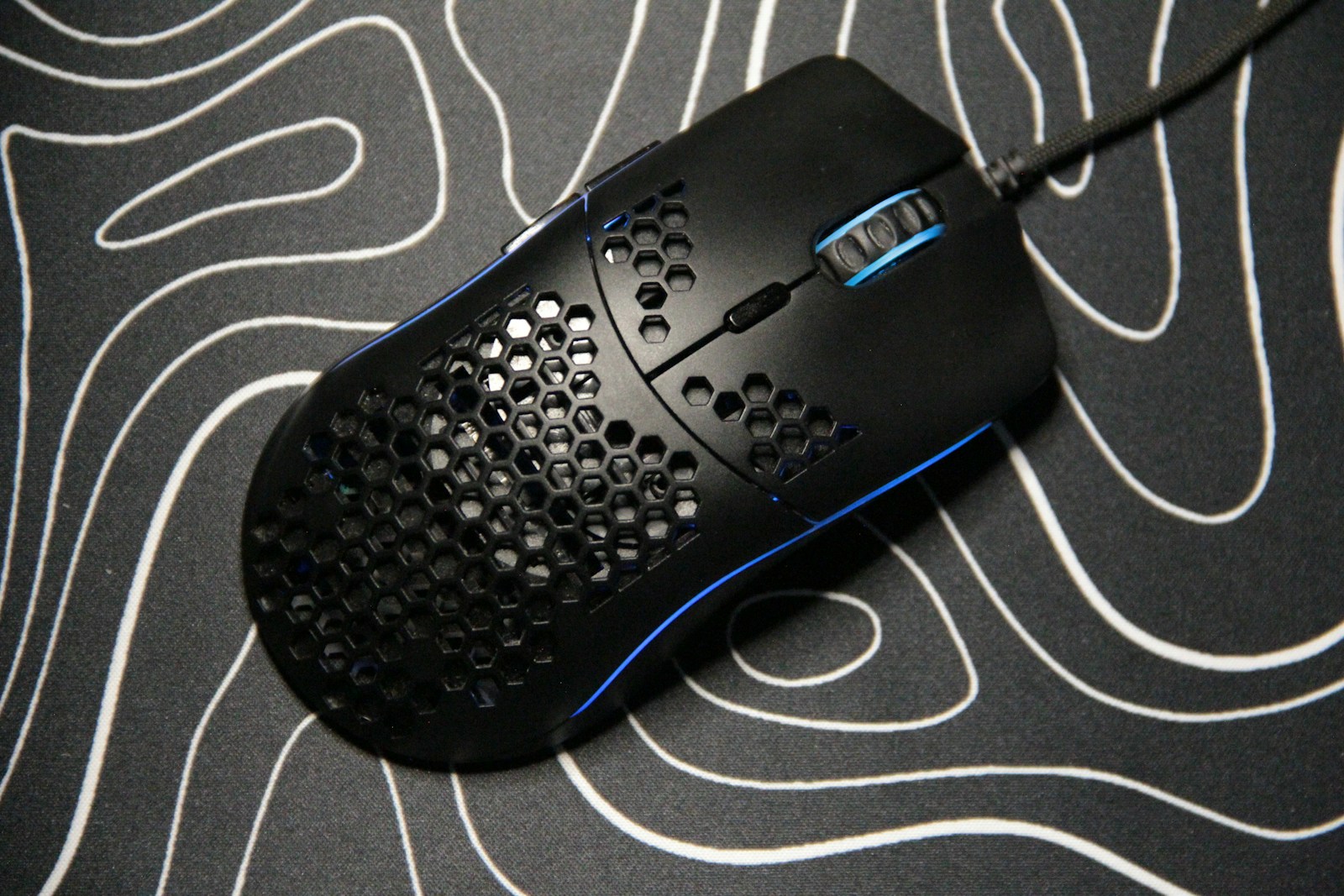
Do You Really Need a 50-Gram Mouse? What Weight Actually Changes in Your Aim
Ultralight mice are everywhere in competitive gaming. I switched between 50g, 70g and 95g mice for a month of ranked play. Weight matters, but less than shape.